DATASTAGE: CANVAS FIND
From 5-10 clicks to one hover: Search users now rely on, daily
End-to-end PRODUCT design
RAPID PROTOTYPING
Team
2 to 5 designers,
SDE, Architect
Role
UX Designer
Timeline
2024 Q4
What is migration?
Old DataStage to Next-gen DataStage

Background
DataStage is a 30-year-old data tool used by major banks, insurance companies, and government agencies for critical operations. IBM has been rebuilding the old desktop version as "next-gen" for modern systems, while making sure customers can move their existing work over.
Moving to the new version (migration) isn't just copying features—it's deciding what to keep, what to improve, and what to redesign completely.
The problem
Customers needed to:
find their data assets,
see how they connect, and
understand what breaks if they change something.
Why?—In complex projects, changing one piece can affect dozens of connected parts. Next-gen made this painful.
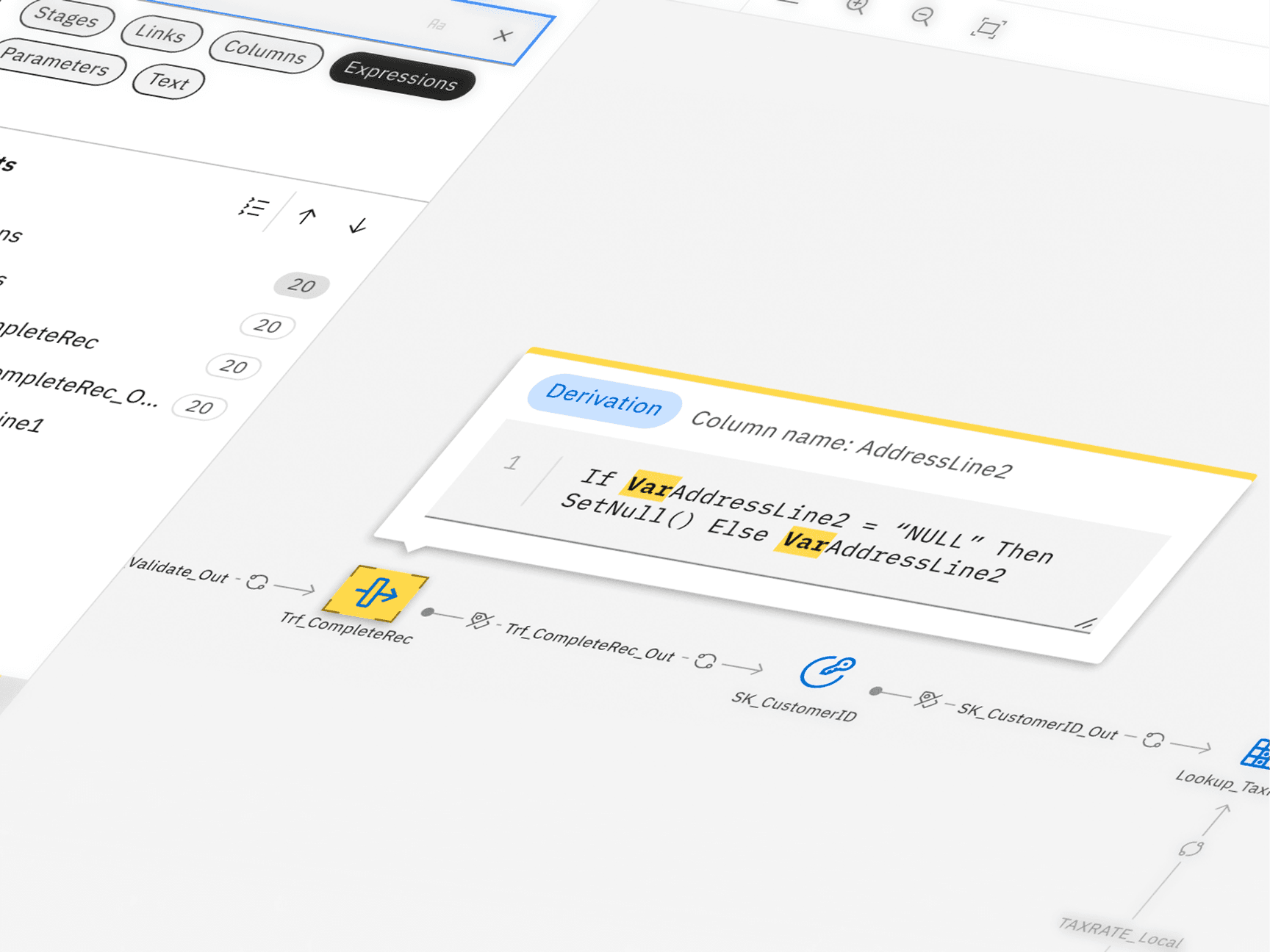
Finding a single column meant: locate the stage, open a panel, click through tabs, hit edit, then search inside an editor. That's 5-10 clicks just to start—and you'd repeat this for every connected piece you needed to check.
The three-layered solution
Canvas Find
Find objects and track column changes within a single pipeline flow with Canvas Find
Advanced Find
View Relationship
I was responsible for the end-to-end design of Canvas Find and View Relationship and this is the Canvas Find story.
When I took over, the team had spent a month on designs that weren't working. I reframed the approach: users weren't searching, they were filtering down from everything on their canvas.
DataStage next-gen Canvas Find (Left); Old DataStage Advanced Find (Right)
Key Outcomes
Became one of DataStage's most frequently used features
Users consistently kept it open during workflows post pipeline building
Shipped on time, solving multi-million dollar project dependencies
To customers like ING, Bank of America, and HUK-COBURG
Established an integrated search experience
Users can jump from platform-level search directly into Canvas Find with context preserved
Positive customer feedback
Across review calls with enterprise customers
Research and decision
I studied search across design tools, IDEs, and document readers. They all had pieces—hierarchy, preview, highlighting—but none connected search results to a complex visual canvas the way DataStage needed.
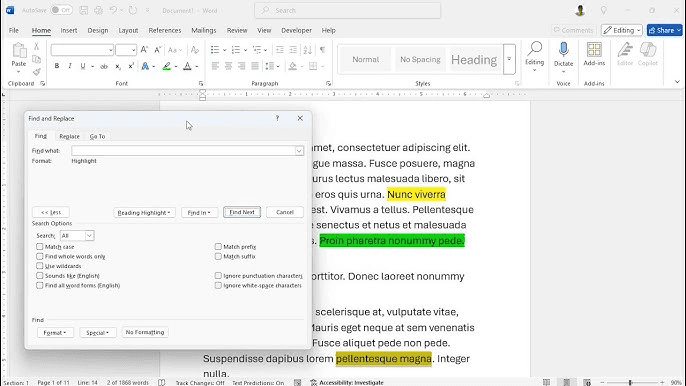
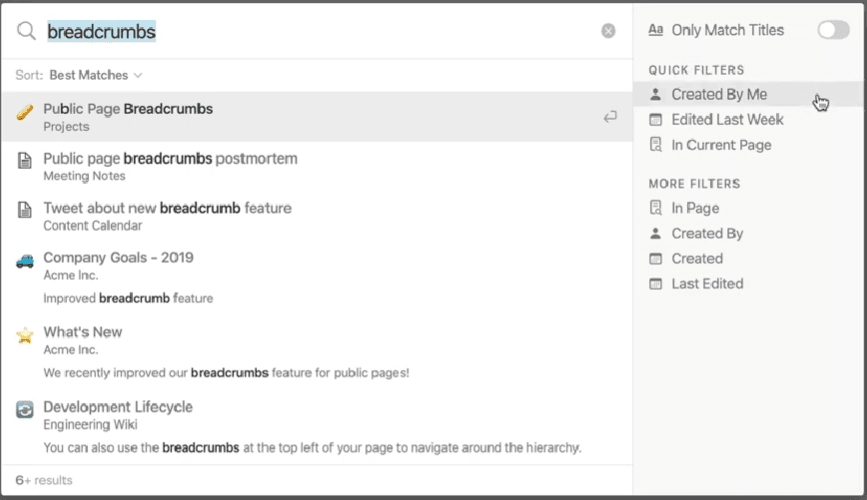
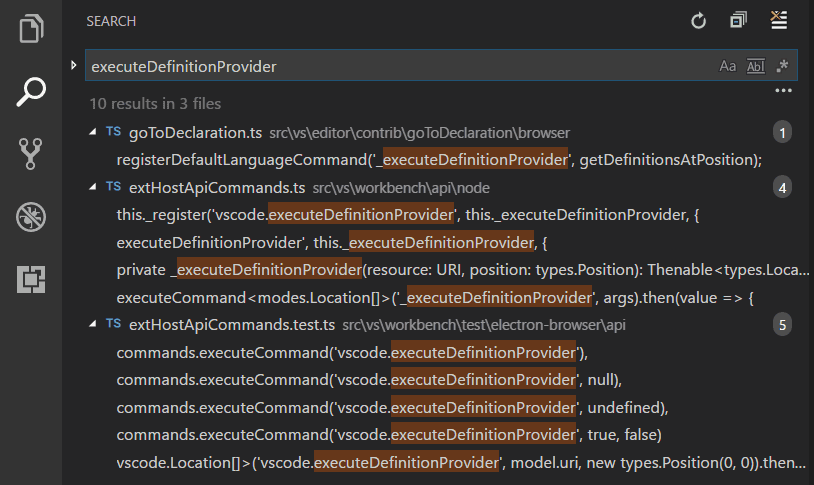
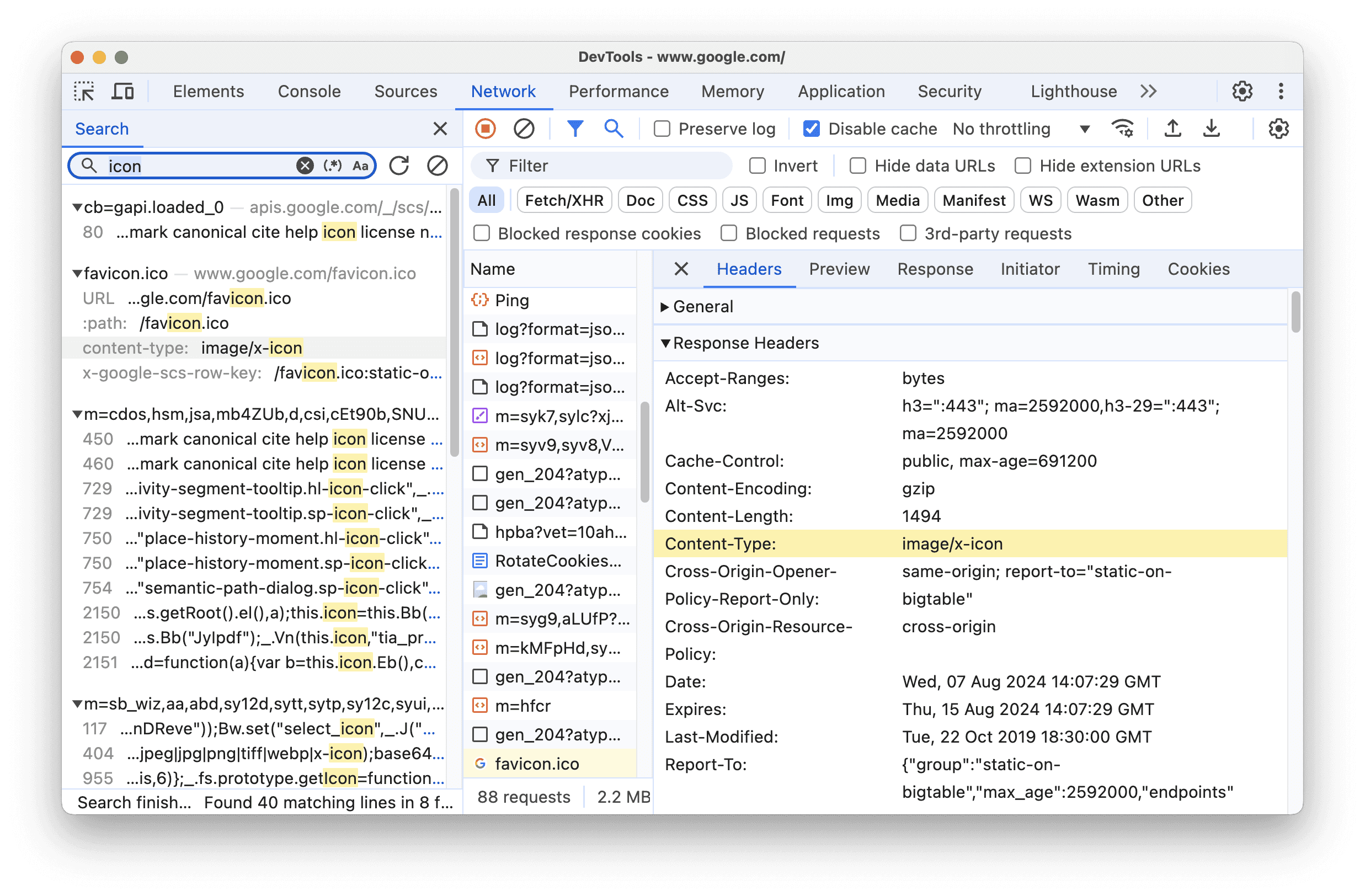
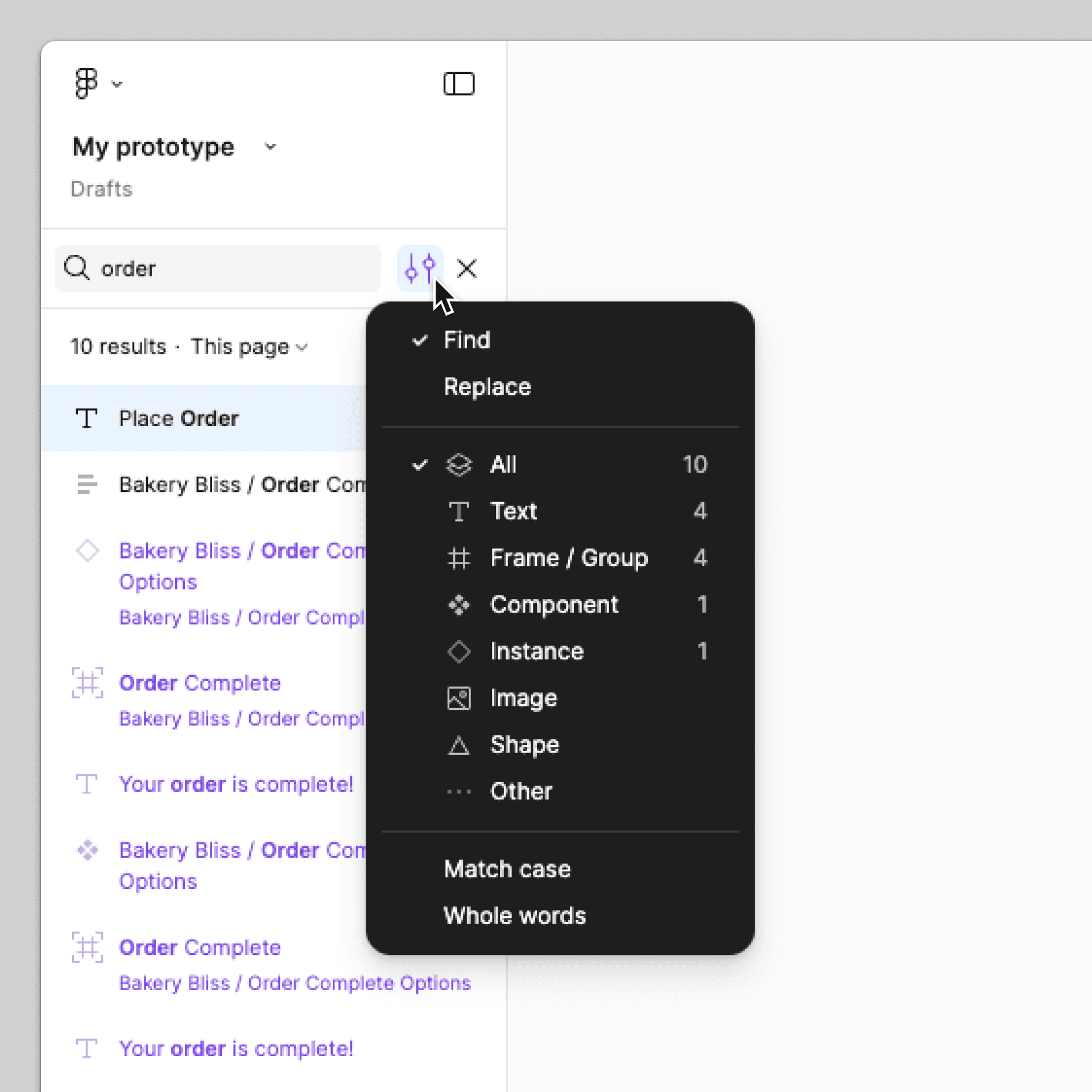
Competitors—text highlights
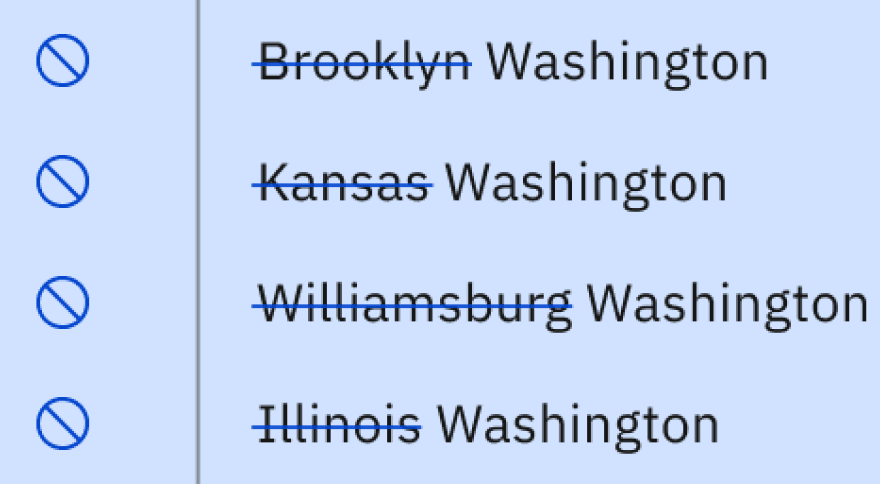
What was missing? Canvas object highlighting at scale. Figma highlighted objects, but didn't handle deep nesting, long names, or thousands of results. Text editors highlighted code, but had no visual canvas. DataStage needed both.
Anatomy of the Canvas Find
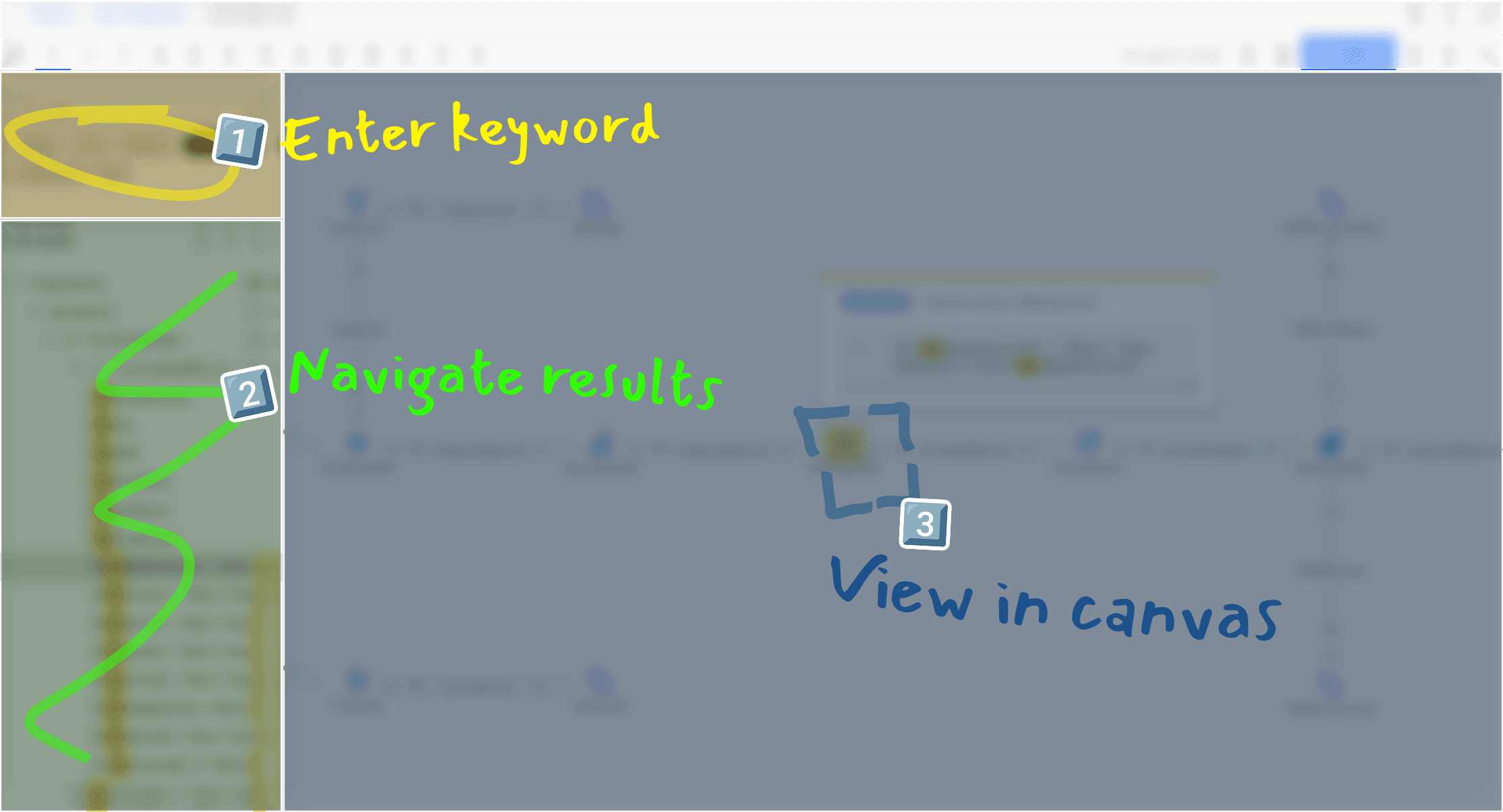
I proposed a persistent side panel with three key innovations: hover to highlight on canvas, instant lineage actions, and a context card for full details. The team resisted adding another panel to an already crowded interface. I pushed for it because search is how users navigate—it needed to stay visible.
Key innovations
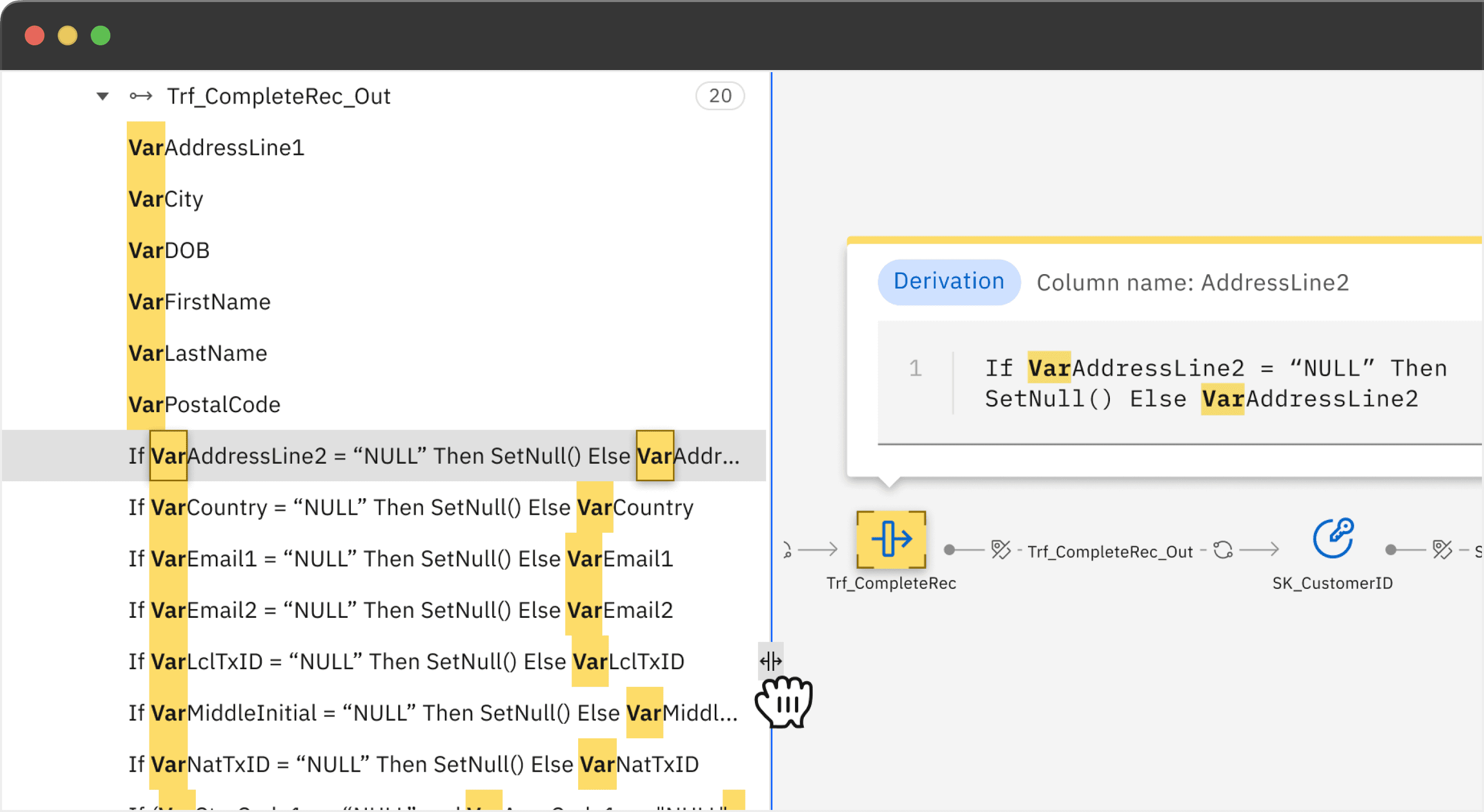
Scalable navigation panel working with "context card" for long, complex queries
Why?—Users can't distinguish between similar results when names are truncated—wasting time opening the wrong objects in flows with thousands of matches.
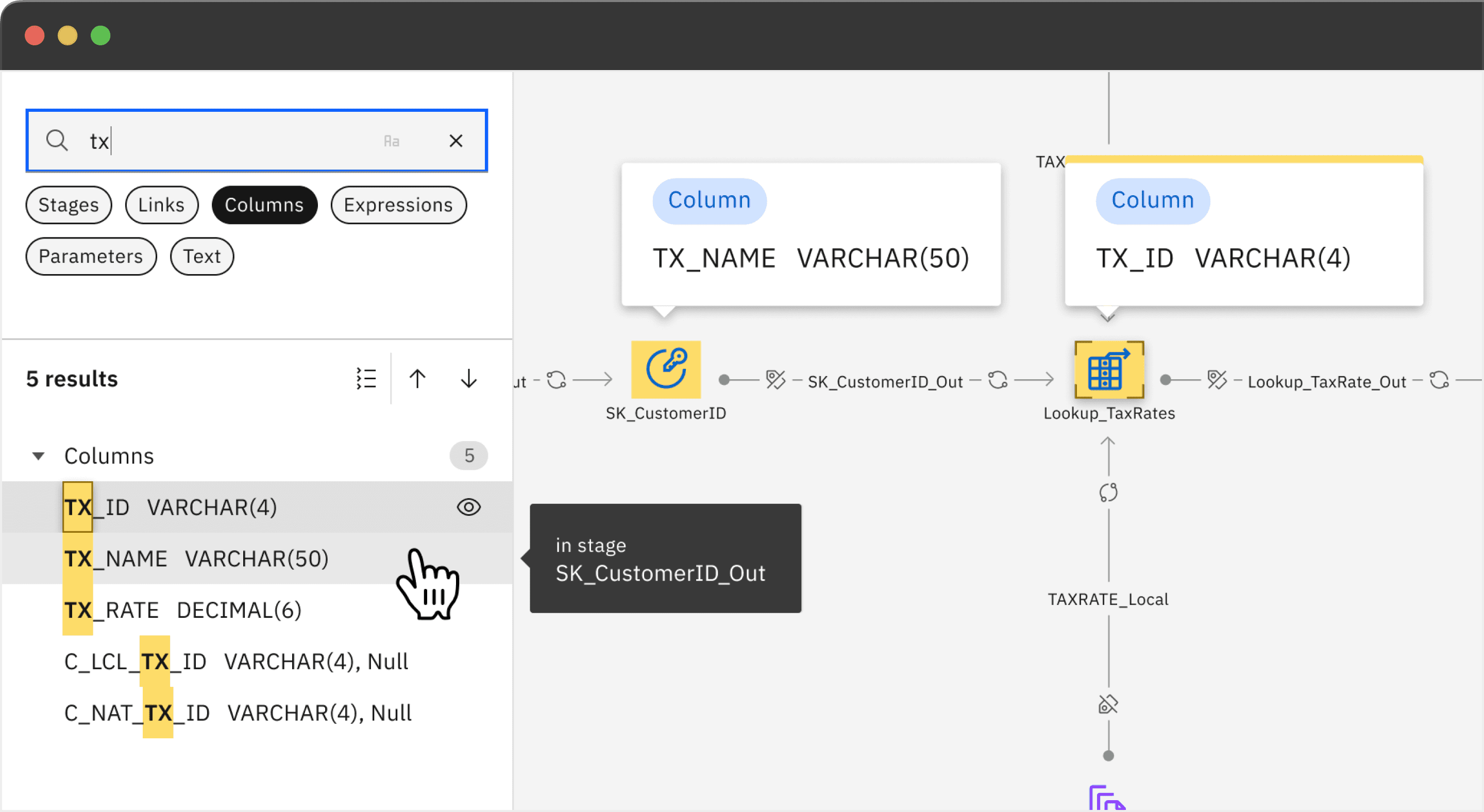
Hover to discover, click to commit, so users don't waste time refocusing every result
Why?—Clicking each result breaks focus in complex flows—hover lets users explore locations without losing their mental model.
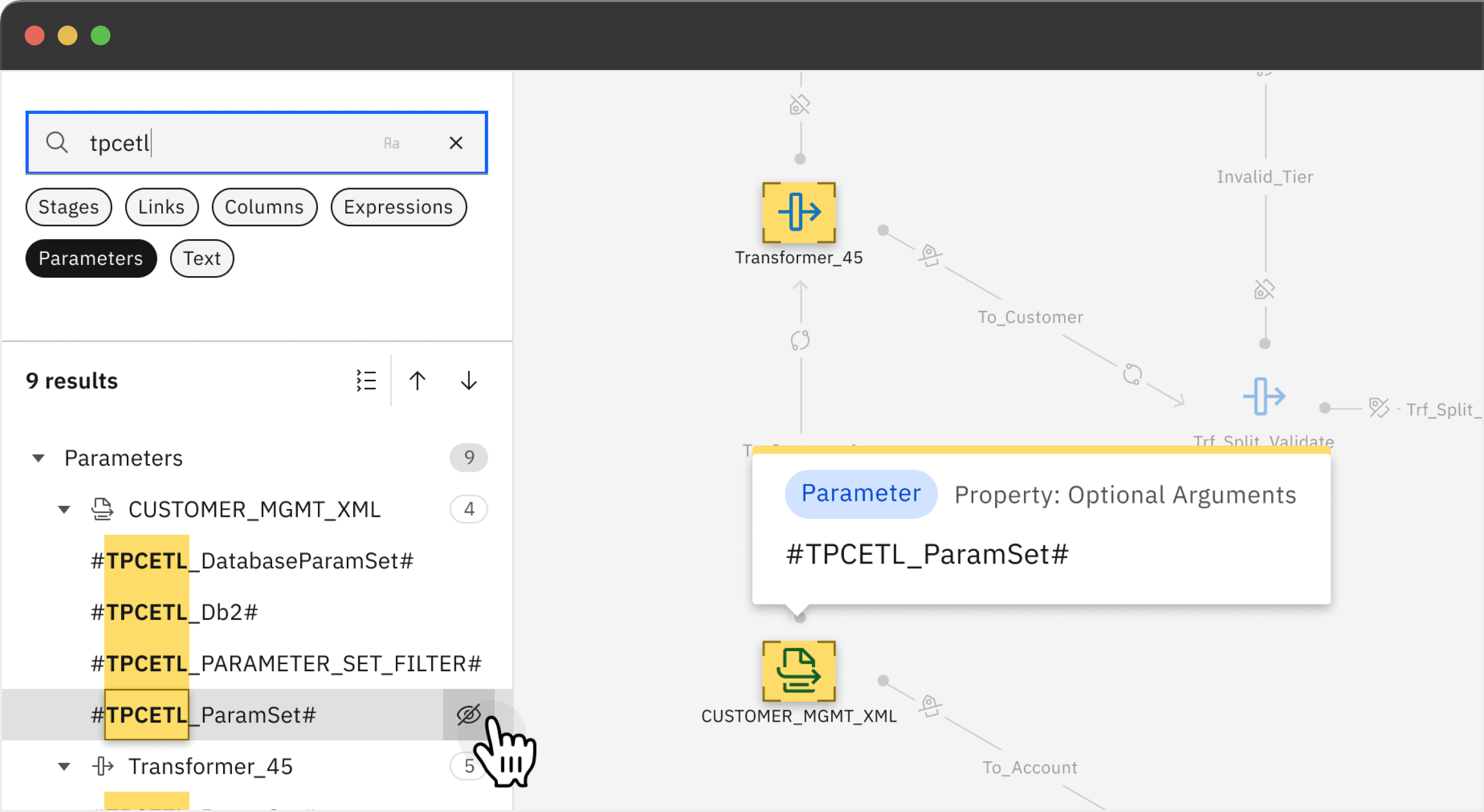
Follow-up actions right where you need them, no extra menus or windows required
Why?—Finding a column isn't enough—users need instant lineage and impact analysis to make changes safely, not risky guesses.
A note on user testing
The reality is our users have spent years—sometimes decades—with Legacy. Their workflows are built around it, so naturally they gravitate toward what's familiar. When we show new features, the first question is often "can we do it like Legacy?"—which is understandable.
Our job is to balance respecting that muscle memory while introducing genuinely better patterns. And in the long run, they do adapt to and appreciate the improvements. Feedback tends to come bundled with feature requests ("I like this, but can we also add..."), which is actually useful—it tells us what's still missing in their mental model of next-gen.
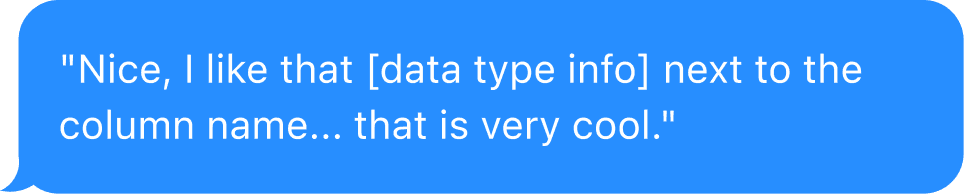
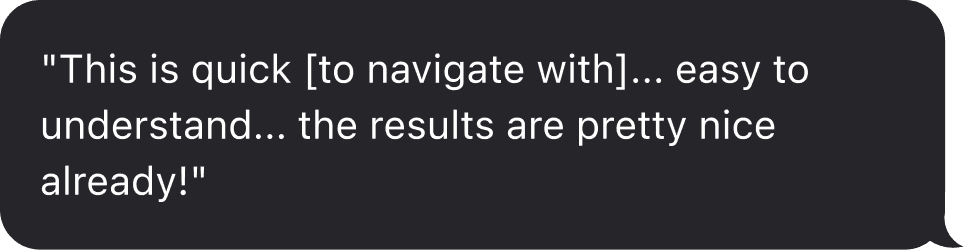
Despite all this, we ran three user testing sessions—with Singapore Police, HUK-COBURG and a Sr. Customer Success Manager. Here’s what they had to say:
On seeing data types next to column names:
On the tree view breaking down results by stage type:
Seeing Canvas Find side panel structure:
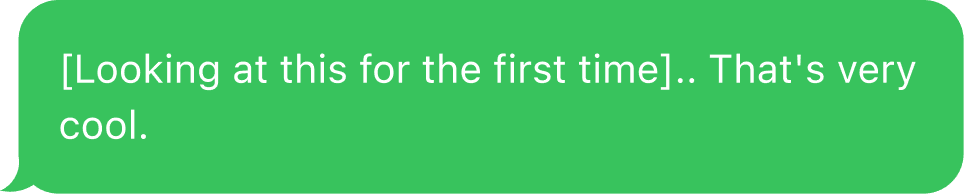
From enterprise customers who default to "make it like Legacy"—that's validation.
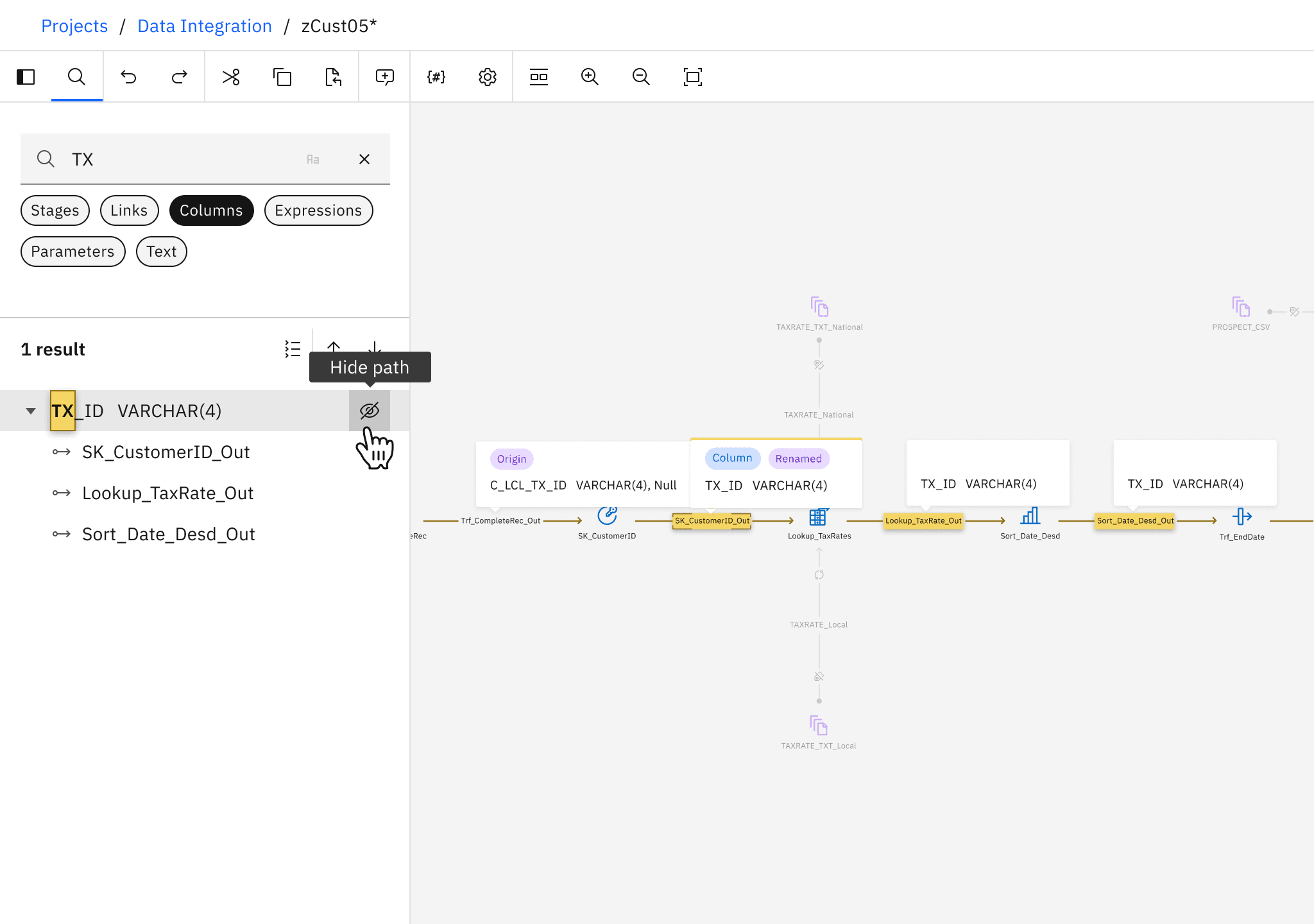
Compromising on Column Lineage, and learning to push back
When the "Show path" requirement was relayed it sounded like customers wanted to see column movement across stages. In reality they wanted full lineage.
Once they saw it, they flagged it immediately.
When requirements come through intermediaries, it's on you to close the gap to the actual user—don't assume someone else validated it.
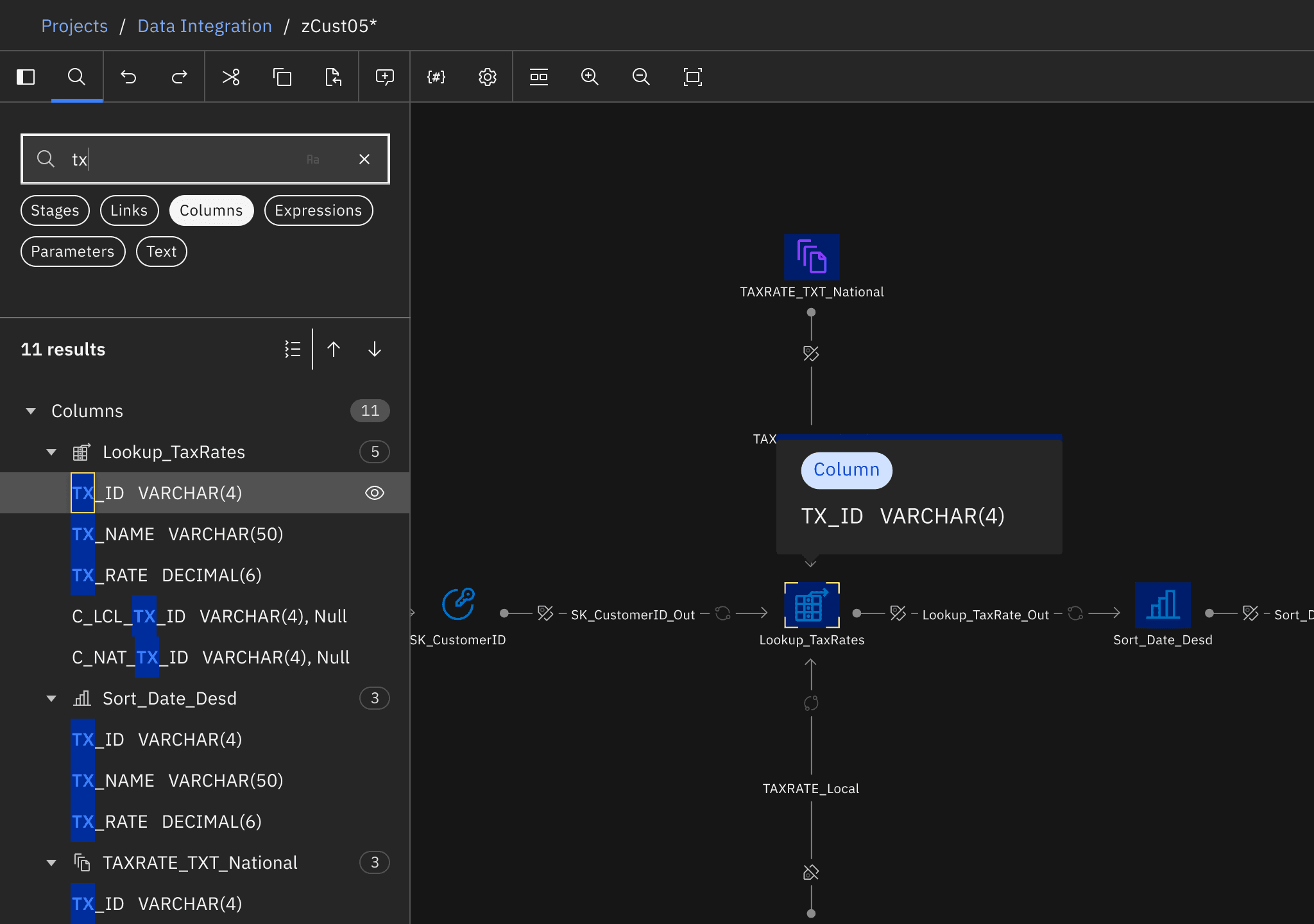
Making highlights accessible across colors, states, and themes
Finding a highlight color that worked across canvas states and dark mode was challenging
Tested combinations across all scenarios and created a reusable pattern other canvas teams could adopt.
Accessibility gets deprioritized until someone champions it. That extra effort upfront pays off—in product quality and knowing you've designed for everyone.
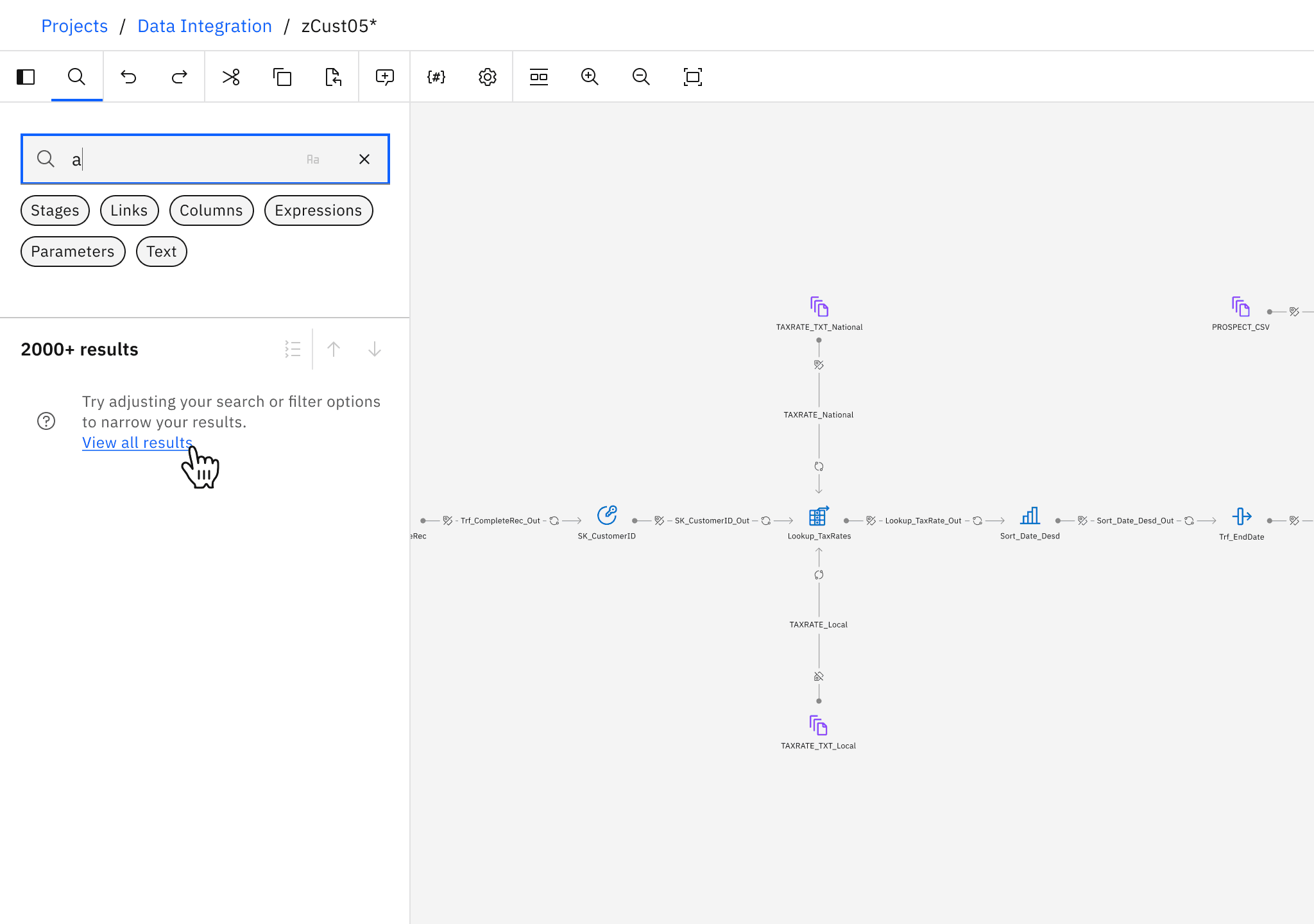
Designing for performance with 2000+ results
Initial implementation took minutes to load—unacceptable for a search feature.
Aha moment: debouncing + capping at 2000 results. If you're getting that many matches, you'll refine your query, not scroll to the bottom.
Performance constraints can force better UX decisions. Question assumptions, stay close to implementation, and adapt quickly when new constraints surface.
The broader impact
Canvas Find became one of DataStage's most frequently used features, replacing manual scrolling with instant filtering.
More importantly, it changed how users work. They check lineage before making changes and verify impact before executing. What used to be risky guesswork became informed decision-making.
The integration with Advanced Find connected platform-level search ("which flow has X?") to flow-level context ("where is it?") seamlessly—making DataStage feel like one cohesive platform instead of disconnected tools.
The lesson: Pushing for the side panel despite resistance was the right call—sometimes the right feature is worth the real estate. And compromising on column lineage taught me to be clearer with stakeholders about gaps between what we're delivering and what customers actually need.